How to Redeem Codes in One Block Horrors But Gun
A complete redemption walkthrough for PC, phone, and tablet — ready for the first real code drop.
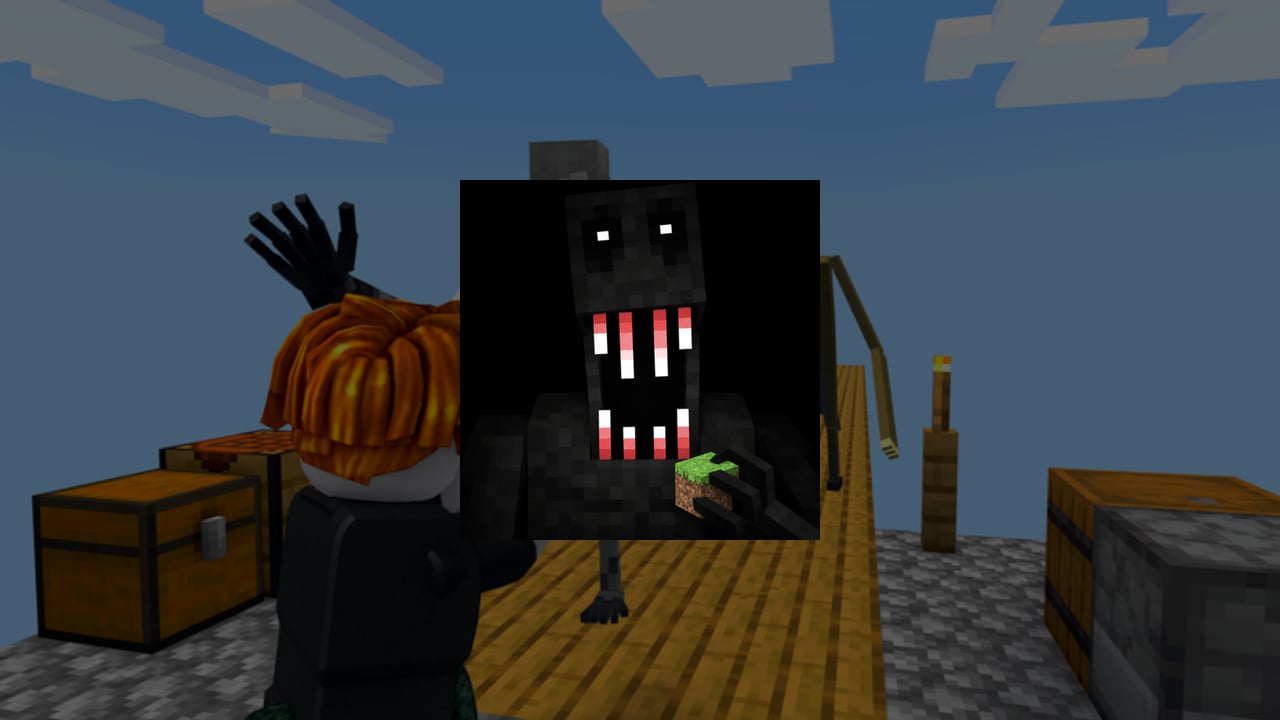
Promo codes are one of the fastest ways to get a head start in Roblox survival games, but only if you redeem them correctly. One Block Horrors But Gun is a brand-new Sillymine Studios experience (released 17 November 2026), and as of late November 2026 there are no widely verified public codes yet. This guide still matters: when the first drop lands, players who already know the flow claim rewards before servers fill and lists go stale.
Use this page together with the Codes Hub for live status and Getting Started for how those rewards fit the day/night loop.
Before you redeem
- Play on the official place — open One Block Horrors But Gun from Roblox, not a lookalike experience.
- Sign into the correct account — codes usually bind to the Roblox user that redeems them; alts do not share rewards.
- Join a live server — wait until character and HUD finish loading. Max players per server is 18.
- Have inventory space — if a code grants guns or crates from the 90+ gun pool, full bags can cause confusing “success but where is it?” moments.
- Copy the code carefully — prefer typing from a trusted list on this wiki rather than screenshots with similar characters (0/O, 1/l).
Step-by-step redemption flow
Exact button names can shift after patches, but the workflow for Roblox survival titles is consistent:
1. Launch and fully load
Press Play, pick a server, and stay until the regenerating block, hotbar, and any tutorial prompts appear. Redeeming during teleport or loading screens is a common reason for silent failures.
2. Open the Codes or Rewards panel
Look for menu icons labeled Codes, Redeem, Rewards, Shop, or a gift box. On mobile and tablet, open the hamburger or gear menu first; the Codes field is often nested one level deeper than on PC.
3. Enter the code exactly
- Respect UPPERCASE / lowercase if the code mixes both.
- Do not add spaces before or after the string.
- Do not add punctuation the studio did not publish.
- Paste once; double-paste can insert invisible characters from some browsers.
4. Confirm and check rewards
Tap Redeem / Submit. A success toast should appear. Then check:
- Currency counters
- Ammo stacks
- Gun inventory / crates
- Mail or claim inbox if the game uses one
If nothing changes, leave the menu, reopen inventory, or rejoin once — client desync happens on busy launch weeks.
5. Note the outcome
Write down whether the code worked, failed, or said already redeemed. That habit helps when comparing notes with teammates in Players Hub communities and when we update the Codes Hub.
Platform notes: PC vs phone vs tablet
One Block Horrors But Gun supports PC, phone, and tablet, and mobile includes aim assist for night fights. Redemption itself is UI-based:
- PC — mouse precision makes Codes fields easy; watch for sticky Shift lock capturing input.
- Phone — use the Roblox touch keyboard; rotate to landscape if the Redeem button sits under the keyboard.
- Tablet — similar to phone, with more screen room for inventory checks after redeem.
Codes do not require aim assist, VIP, or paid gamepasses in most Roblox titles, but always read the studio’s note for event-limited strings.
Troubleshooting failed codes
| Message / symptom | Likely cause | What to try |
|---|---|---|
| Invalid / not found | Typo or fake list | Retype from Codes Hub; avoid random social posts |
| Expired | Time-limited drop ended | Drop it; wait for the next event |
| Already redeemed | Your account used it | Normal — one redeem per account |
| No Codes button | Feature not shipped yet or UI moved | Check Launch Notes and Updates Hub |
| Success, no item | Full inventory / delayed grant | Free a slot, rejoin, check mail |
| Kick / error | Server hitch on busy nights | Switch servers and retry once |
Case sensitivity and look-alike characters
Many Roblox codes are case-sensitive. GUNNIGHT and GunNight can be different. Also watch:
- Zero
0vs letterO - One
1vs lowercasel - Underscores vs hyphens
If a trusted post shows a code in a monospace font, match that spelling exactly.
Expired and retired codes
Studios retire codes after weekends, follower milestones, or bug abuse. An expired code is not a bug on your device. Remove it from your personal list and focus on active entries when we publish them on the Codes Hub.
What to do while waiting for the first codes
Because verified codes are not live yet, invest time in the real progression loop:
- Break the regenerating one block during day phases for loot and gun rolls.
- Stock ammo and learn which archetypes feel good — see Guns Tier List and Tier List Hub.
- Practice night survival with up to 17 other players (18 total).
- Join the Sillymine Studios group so shouts about codes reach you faster.
- Skim Guides Hub for deeper tactics instead of hunting risky “code generators.”
Safety: avoid code scams
- Nobody from Roblox Support or Sillymine will ask for your password to “apply a code.”
- “Free unlimited codes” sites that demand downloads or Discord token logins are scams.
- Executors that promise auto-redeem can violate Roblox rules — read Safe Script Usage and prefer manual redeem.
- If a link does not match the official Roblox game URL or studio group, do not log in there.
After a successful redeem
Spend rewards with a plan:
- Cash — unlock a reliable mid-tier rifle or shotgun before flashy specials.
- Ammo — bank it for night waves instead of spraying daytime targets.
- Random guns — compare them against the role tiers on Guns Tier List.
- Boosts — use mining or luck boosts while the block is contested in busy servers.
Then return to co-op etiquette: callouts, shared ammo discipline, and fair loot rules covered on the Players Hub.
Quick checklist
- Official game open and fully loaded
- Codes field found in menu / rewards
- String typed with correct case and no spaces
- Reward verified in inventory or currency
- Failure reason logged (expired vs typo vs already used)
- No shady third-party redeem tools used
Stay patient until Sillymine publishes the first verified strings. When they do, redeem here with this checklist, then jump back into breaking the block and surviving the night.
Frequently Asked Questions
Quick answers for One Block Horrors But Gun players.
Where is the Codes button in One Block Horrors But Gun?
Look in the main menu, shop, or rewards panel for Codes or Redeem. On mobile, open the gear or hamburger menu first. If no button exists yet, the feature may still be rolling out after the November 2026 launch.
Why does my code say invalid?
Most often the code is mistyped, case-wrong, expired, or copied from an unverified list. Retype carefully from the Codes Hub and avoid extra spaces.
Can I redeem the same code on two accounts?
Usually each Roblox account can redeem a given code once. Using a second account is a separate redeem if the code is still active and rules allow it.
Do I need Wi-Fi for codes on mobile?
You need a stable Roblox connection. Weak mobile data can cause redeem timeouts — wait for a full load, then try again.
What if codes are not available yet?
As of late November 2026 no widely verified public codes are confirmed. Join the Sillymine Studios group, follow Updates, and keep grinding the block and night defense until drops appear.