One Block Horrors But Gun Guides & Walkthroughs
Every survival tutorial in one place—from first join to night holds around the regenerating one block.
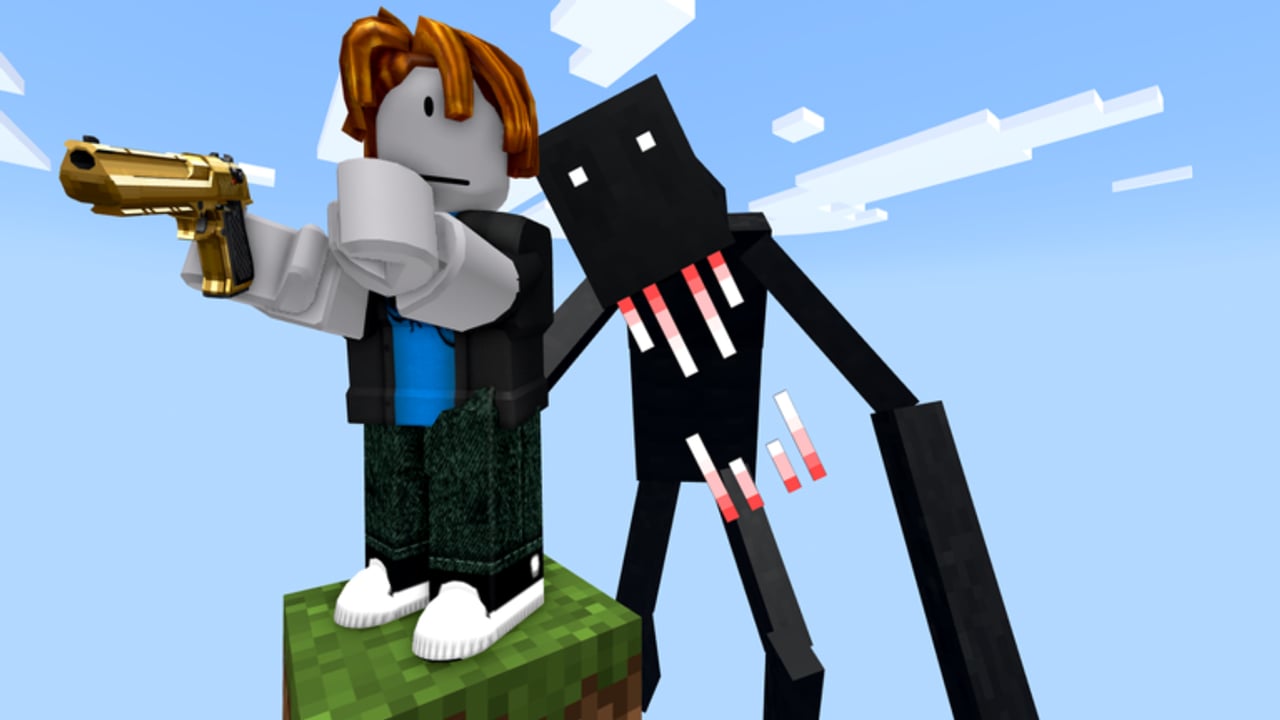
Welcome to the Guides Hub for One Block Horrors But Gun, the Roblox survival experience by Sillymine Studios. Here you mine a regenerating one block for loot and 90+ guns, then hold the line when night brings horror threats. Sessions support online co-op with up to 18 players on PC, phone, and tablet. This hub is the map of our deep-dive tutorials—use it to jump straight into the page that matches your problem right now.
If you are brand new, start with Getting Started, then branch into controls, night survival, gun farming, and fortifications. Keep Codes and the Guns Tier List nearby for rewards and loadout priority while you practice.
How to use this hub
Each guide below is written for real match pressure, not filler tips. Skim the blurb, open the page, and follow internal links to related systems. Revisit after patches or after a wipe so you fix one habit at a time—ammo, edges, lighting, or loot etiquette—instead of rereading everything at once.
Suggested learning path:
- Onboard and learn the block loop.
- Lock PC or mobile inputs (including aim assist comfort).
- Survive a night with a checklist.
- Improve gun intake and swaps.
- Shape platforms and cover so the next night is easier.
Getting Started
Day-one walkthrough. Join the correct Sillymine Studios experience, understand why the regenerating one block is the heartbeat of every lobby, grab your first controllable gun, and stop greed mining before darkness. The guide covers teaming in public versus private servers, common beginner mistakes (void falls, empty mags, solo hero plays), and a clear “what to read next” ladder into the rest of the wiki.
Read this when you have never cleared a night, when you keep dying before you understand the loop, or when you need a shareable checklist for friends joining their first match. It anchors links to codes, gun rankings, night tactics, and controls so you never wonder where to go after spawn.
Controls
PC and mobile input bible. Movement, mining swings on the one block, aiming, shooting, reloads, inventory hotbar habits, and UI hygiene sit in one place. Mobile players get dedicated notes on aim assist, thumb layout, and landscape play; PC players get sensitivity and camera advice that prevents overshooting into the void.
Open Controls when shots feel random, when mining misses the block, or after changing devices. A five-minute drill routine at the end of the page turns settings tweaks into muscle memory before the next night cycle.
Survive the Night
The siege manual. Lighting that reveals approaches, choke points that beat open platforms, ammo conservation, priority targets, revive discipline, and the death causes that end most runs—void edges, dusk mining, solo peeks, and identity-crisis weapon swaps. Includes a pre-night chat checklist and a mid-night recovery plan when half the squad is already down.
Use this guide every time darkness feels unfair. Pair it with base defense so your stage matches your tactics, and with the guns tier list so your primary fits the lane you actually hold.
How to Get Guns
Loot loop and loadout judgment. Break the regenerating block on safe cycles, collect drops, and think in roles—close shredders, mid all-rounders, long pickers, and ammo-hungry specials—rather than rarity alone. Learn when swapping helps versus when it deletes your night, how ammo management is part of “getting” a gun, and how squad etiquette keeps eighteen-player lobbies armed instead of one hoarder stacked with idle rifles.
Come here when your collection grows but your nights do not improve, when you argue over loot, or when you need clean links to Codes and the Guns Tier List without fake code lists.
Base Defense
Architecture for survivors. Platforms with real footing, cover that helps reload peeks, void-aware edges, and shared squad roles (architect, builders, miners, quartermasters). Learn a minimum viable fort for short daylight windows and a review loop that changes one structure element per morning so you learn what actually worked.
Read Base Defense when your fights scatter across open ground, when teammates fall in the same corner, or when walls look impressive but block friendly aim. Defense is the stage; night survival is the play—build just enough, then hold.
Related hubs outside Guides
- Codes — verified redemption steps when official rewards are live.
- Guns Tier List — prioritize strong weapons as block loot improves.
- Updates — patch notes and change tracking as the experience evolves.
- Players — roster and cooperation angles when you plan squads.
Quality bar for these guides
Every page aims for practical depth: long-form English explanations, internal links with clear anchor text, and FAQ sections for the questions players search mid-session. We do not invent YouTube IDs or fake promo codes. When mechanics shift after an update, start at this hub, open the affected guide, and adjust your routine.
Whether you queue on phone with aim assist or on PC with precise flicks, the loop stays the same—mine the one block, arm the squad, light the choke, survive the night. Pick a guide above and make the next darkness boring in the best way: planned, called, and cleared.
Frequently Asked Questions
Quick answers for One Block Horrors But Gun players.
Which guide should I read first?
Start with Getting Started for the day-one loop, then Controls, then Survive the Night. Add How to Get Guns and Base Defense as soon as you need better loot or safer platforms.
Are these guides only for PC?
No. One Block Horrors But Gun runs on PC, phone, and tablet. The Controls guide covers mobile aim assist and touch layout tips alongside keyboard and mouse.
Where do I find codes and gun rankings?
Use the Codes hub for redemption help and the Guns Tier List for weapon priority. Guides link out to both whenever loadouts or rewards matter.
Do the guides invent secret codes or video links?
No. This wiki does not invent promo codes or fake YouTube IDs. Rely on the Codes hub for verified lists and skip unverified dumps.
How often should I revisit the Guides Hub?
After wipes, after device changes, and after game updates. Jump to the single guide that matches the habit you want to fix next.